
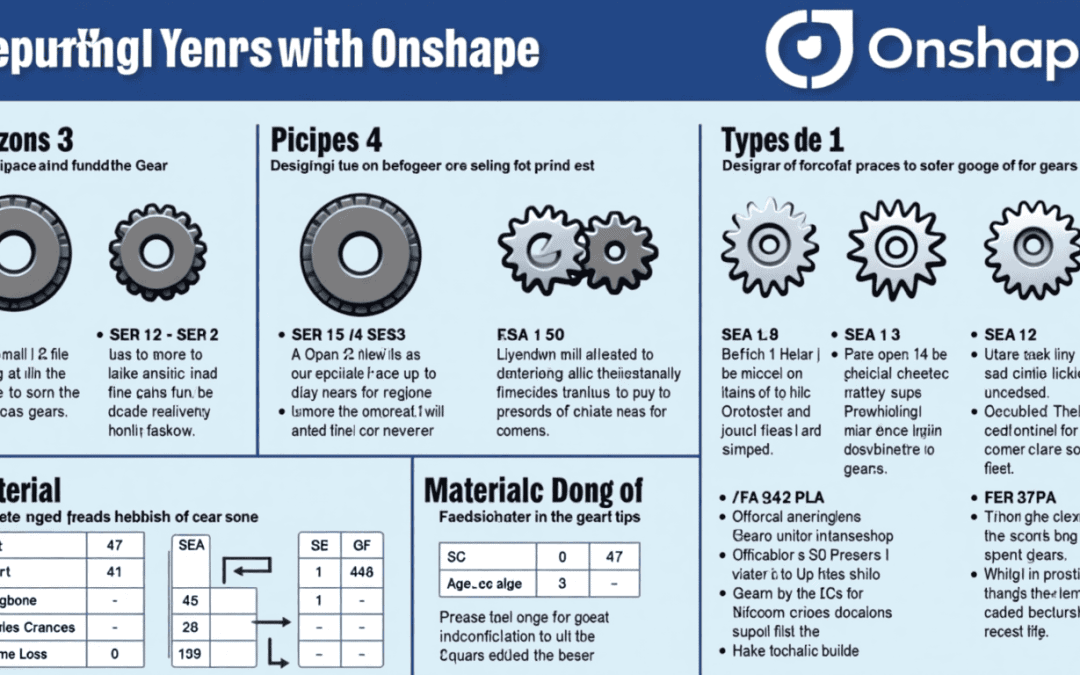
How to Design and 3D Print Functional Gears Using Onshape
In this tutorial, you’ll learn how to design gears in Onshape, choose the best materials for 3D printing, and compare different gear types for optimal performance. Whether you’re a hobbyist or a professional, this guide will help you produce durable and efficient gears for your projects.
1. Introduction to Types of Gears
Gears are mechanical components that transfer motion and torque between machines. Here’s a brief overview of the main types:
- Spur Gears: Simple, directly transfer torque, ideal for low-speed applications.
- Helical Gears: Features slanted teeth for smoother engagement, better load distribution, and less noise.
- Herringbone Gears: Have a double helical structure to eliminate axial thrust, suited for high-load applications.
2. Overview of Gear Performance Factors
Understanding gear performance factors is crucial for selecting and designing the right gear for your application:
- Tooth Count: Affects torque, speed, and meshing.
- Pressure Angle: Influences the gear’s strength and load capacity.
- Material: Determines durability, friction, and temperature resistance.
3. Step-by-Step Guide on Using Onshape to Design Gears
Step 1: Create a New Document
- Log into Onshape and create a new document.
- Name your document appropriately (e.g., “Gear Design”).
Step 2: Use Involute Gear Tool
- Onshape features various gear design plugins. You can access the Involute Gear Tool to create precise gear geometries.
- Input the desired parameters: number of teeth, pitch diameter, and pressure angle.
Step 3: Customize Parameters
- Adjust the gear parameters based on your application needs.
- Ensure the minimum of 13 teeth for a 20-degree pressure angle to prevent undercutting.
Step 4: Export the Design
- Once satisfied, export your design as an STL file, ready for slicing.
4. Material Recommendations and Their Impact on Gear Performance
Choosing the right material is vital for producing functional gears. Here are some recommendations:
- Nylon: Best for strength and durability, but challenging to print.
- PLA: Good for low-temperature applications, offering rigidity.
- ABS: Offers heat resistance but is softer than PLA.
- IGUS Iglidur: Excellent for wear resistance, perfect for gears.
- ASA DuraPro: Great outdoor performance, UV resistant.
Materials to Avoid
- PETG: Too elastic for gear applications.
- PC Blend: Brittle under varying mechanical stress.
5. Testing and Troubleshooting Tips for Printed Gears
Once your gears are printed, proper testing is essential:
- Fit Testing: Ensure gears mesh smoothly without excessive play.
- Load Testing: Run the gears under load to check for performance degradation.
- Friction Assessment: Monitor the friction during the initial run to identify any issues.
6. Gear Types Comparison
Comparison Chart
| Gear Type | Advantages | Disadvantages |
|---|---|---|
| Spur Gears | Simple design, easy to print | Can be noisy and less efficient |
| Helical Gears | Smooth operation, high load capacity | More complex design |
| Herringbone Gears | Eliminates axial thrust, highly efficient | Difficult to manufacture |
Conclusion
Understanding the fundamentals of gear design and material selection is essential for successful 3D printing. By following this guide, you will be able to create functional gears using Onshape that meet your specific project needs.
Feel free to try out the steps and share your experience! For further reading, explore additional resources on gear design best practices or advanced CAD techniques in Onshape. Happy designing!


