
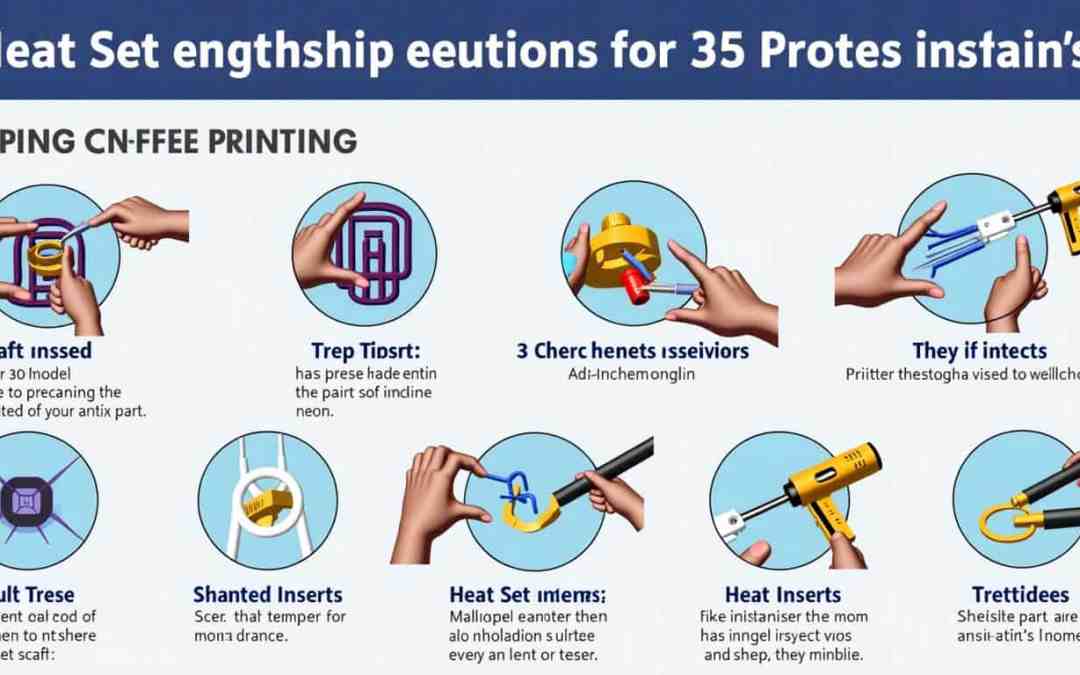
How to Use Heat Set Inserts in 3D Printing: A Guide to Stronger Plastic Parts
Using heat set inserts in 3D printing is an effective way to enhance the structural integrity of your printed parts by adding strong and reliable threaded mounting points. In this guide, I will walk you through the installation techniques, design considerations, and best soldering practices to ensure durability.
1. Introduction to Heat Set Inserts
Heat set inserts are threaded metal inserts that can be embedded into thermoplastic 3D printed parts. They provide a robust solution for applications that require strong fastening points. This tutorial is designed for beginners and intermediate users who want to improve the durability of their 3D printed projects.
2. Design Considerations for Incorporating Inserts
Hole Diameter and Depth
- Size Appropriately: The hole for the insert should be slightly undersized compared to the outer diameter of the insert. Always refer to the supplier’s chart for precise measurements.
- Increase Depth: Consider increasing the hole depth by about 50% of the insert length to accommodate displaced plastic.
Type of Plastic
- Choose Wisely: Heat set inserts work best with thermoplastics like ABS, PLA, and PETG. Avoid using them with thermosetting plastics, as they do not re-solidify after melting.
Tapered Inserts
- Ease Installation: Incorporating tapered holes or inserts can simplify the installation process by allowing the insert to seat itself more easily.
3. Tools Needed for Installation
Ensure you have the following tools for a successful install:
- Soldering Iron: A quality soldering iron with a tip designed for heat set inserts.
- Heat Set Inserts: Available in various shapes and sizes.
- Tweezers: To handle hot inserts safely.
- Drill Press (Optional): For precise control over insert depth.
4. Step-by-Step Guide for Inserting Heat Set Inserts
Step 1: Preparing the 3D Model
Design your part in your preferred CAD software, ensuring to incorporate the correct size and type of heat set insert.
Step 2: Preparing the 3D Printed Part
Print your part with the designated hole for the insert, ensuring it adheres to the recommended dimensions.
Step 3: Temperature Settings and Insertion Techniques
- Heat the Insert: Set the soldering iron to just below the melting point of your plastic (e.g., 240°C for PETG).
- Apply Heat to the Insert: Position the insert on a heat-resistant surface and apply the soldering iron to it until the surrounding plastic begins to melt. Use tweezers for safe handling.
- Insert into the Part: Carefully place the heated insert into the undersized hole in your printed part, pressing down gently until it’s seated.
Step 4: Plate-Press Technique
Once the insert is about 90% seated, remove the soldering iron and quickly flip the part onto a flat, heat-resistant surface, pressing down to ensure the insert is flush with the material.
Alternative Methods
- Drill Press: Use a drill press attached to a threaded rod to heat the insert for precise installation.
- Ultrasonic Soldering Iron: Suitable for specific thermosetting plastics but not recommended for heat set inserts.
5. Testing and Troubleshooting
After installation, test the strength of the connection. If the insert isn’t secure, check the insertion depth and temperature control.
6. Tips for Maintaining Strong Connections Over Time
- Regularly check the integrity of the inserts in your prints, especially for high-stress applications.
- Avoid using overly flexible materials that may not support the threads adequately.
7. Conclusion and Further Resources
By following the installation techniques, design considerations, and best soldering practices outlined in this guide, you can successfully integrate heat set inserts into your 3D printed parts, enhancing their strength and reliability. For further learning, here are some useful resources:
- 3D Printing Community Forums – Join discussions about heat set inserts and experience-sharing.
- Suppliers for Heat Set Inserts – Explore different heat set insert options.
Feel free to share your experiences with using heat set inserts in the comments below, or if you have any questions, don’t hesitate to ask! Happy printing!


