
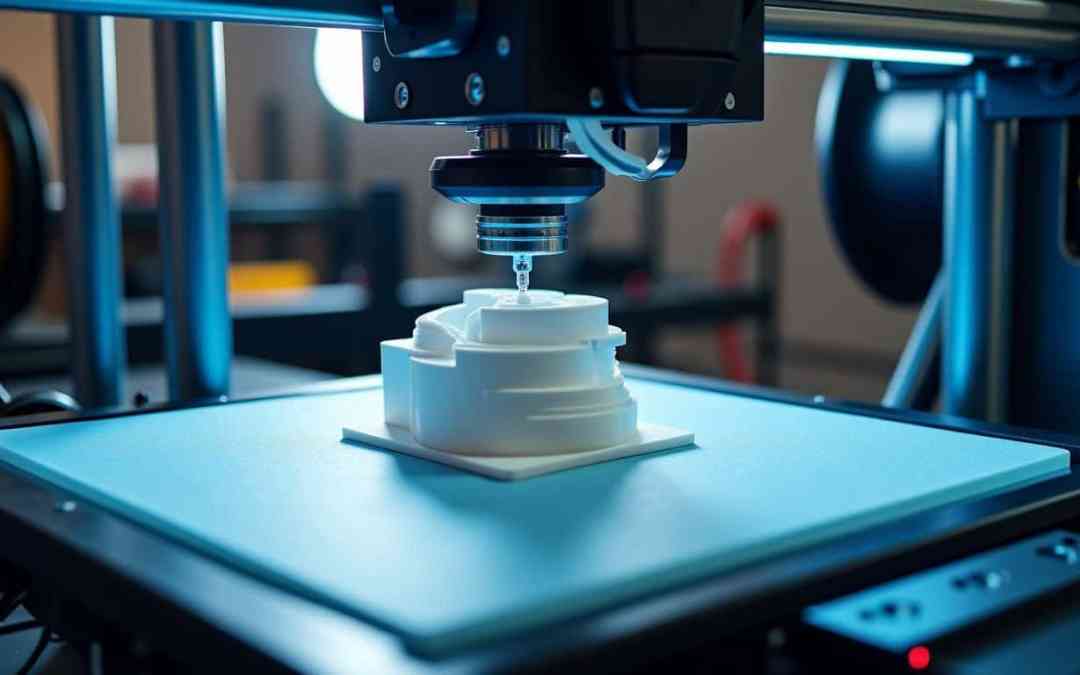
How to Successfully 3D Print with TPU: Properties, Best Practices, and Applications
Thermoplastic Polyurethane (TPU) is a highly versatile material favored in 3D printing for its rubber-like properties, making it ideal for applications that require flexibility and durability. This blog post will explore the essential properties of TPU, its practical applications, and best practices for achieving successful 3D prints in Hamburg, Germany. Whether you’re a beginner or an advanced user, this insightful guide will equip you with the knowledge to overcome challenges and enhance your 3D printing experience.
1. Properties of TPU
TPU is known for its remarkable characteristics, which include:
- Elasticity: Stretchable and resilient, making it suitable for flexible components.
- Impact Resistance: Excellent shock absorption and durability.
- Chemical Resistance: Resists oils, chemicals, and abrasion.
- Weather Resistance: Withstands low temperatures and moisture.
2. Applications of TPU
TPU is applicable in a variety of industries, including:
- Industrial Parts: Used for gaskets, seals, and flexible valves.
- Automotive Components: Shock absorbers, drive belts, and protective coverings.
- Consumer Goods: Footwear, sporting equipment, and prosthetics.
These applications highlight TPU’s versatility and importance in modern manufacturing.
3. Best Practices for Printing TPU
A. Printer Selection
Direct Drive Extruder: Opt for a printer with a direct drive system for better performance with flexible materials. This reduces the risk of kinking compared to a Bowden-style setup.
B. Temperature Settings
Nozzle Temperature: Set between 210°C and 250°C, which varies with the specific TPU filament used.
Bed Temperature: Maintain a temperature of 40°C to 60°C to promote effective adhesion.
C. Bed Surface Preparation
Textured Surfaces: Use textured PEI sheets or apply a thin layer of glue stick to ensure proper adhesion without damaging the print.
D. Cooling Fans
Minimal Cooling: Set fan speeds between 20-30%. Too much cooling can lead to poor layer adhesion and warping.
E. Print Speed and Layer Height
Slower Speeds: Aim for print speeds between 15 mm/s and 40 mm/s to avoid filament buckling.
Layer Height: A range of 0.2mm to 0.3mm is ideal for promoting good adhesion.
F. Retraction Settings
Low Retraction: Use minimal retraction distances (1-2mm) and slow speeds (10-20 mm/s) to reduce the risks of clogging.
G. Humidity Control
TPU is hygroscopic; ensure your filament is stored dry to avoid issues like stringing or poor surface finishes.
H. Monitoring and Post-Processing
Monitor Early Layers: Keep an eye on the initial layers for signs of warping or poor adhesion. Proper removal techniques post-printing will prevent damage.
4. Common Challenges in TPU Printing
- Filament Feeding Issues: Regularly check for jamming, especially in Bowden setups. Pull and re-feed filament if necessary.
- Layer Adhesion Problems: Enhance adhesion by adjusting bed levels or printing speeds if layers fail to bond properly.
- Stringing: Address stringing issues by tweaking retraction settings or print temperature.
- Warping: Utilize proper bed adhesion and reduce cooling settings to combat warping.
5. Tools and Software Settings
Slicer Settings: Start with the default TPU profile in your slicer software, tweaking settings as needed based on print requirements.
Linear Advance Calibration: If your printer supports it, calibrate this feature to enhance print precision with TPU.
Conclusion
By understanding the properties of TPU, recognizing its applications, and implementing best practices, you can confidently tackle 3D printing with this flexible filament. If you’re in Hamburg, Germany, consider local workshops or clubs that focus on 3D printing to further refine your skills and knowledge. Explore job opportunities at companies such as Zeela that specialize in TPU applications, and join discussions around best practices in 3D printing.
Ready to start printing with TPU? Experiment with the tips provided and share your experiences or questions in the comments below. For further reading, check out the resources linked here for more in-depth guides and tutorials!


